Fix Webuzo License Showing Expired Despite a Valid License
Sometimes, Webuzo may show a license expiration issue even though you have a valid license key.
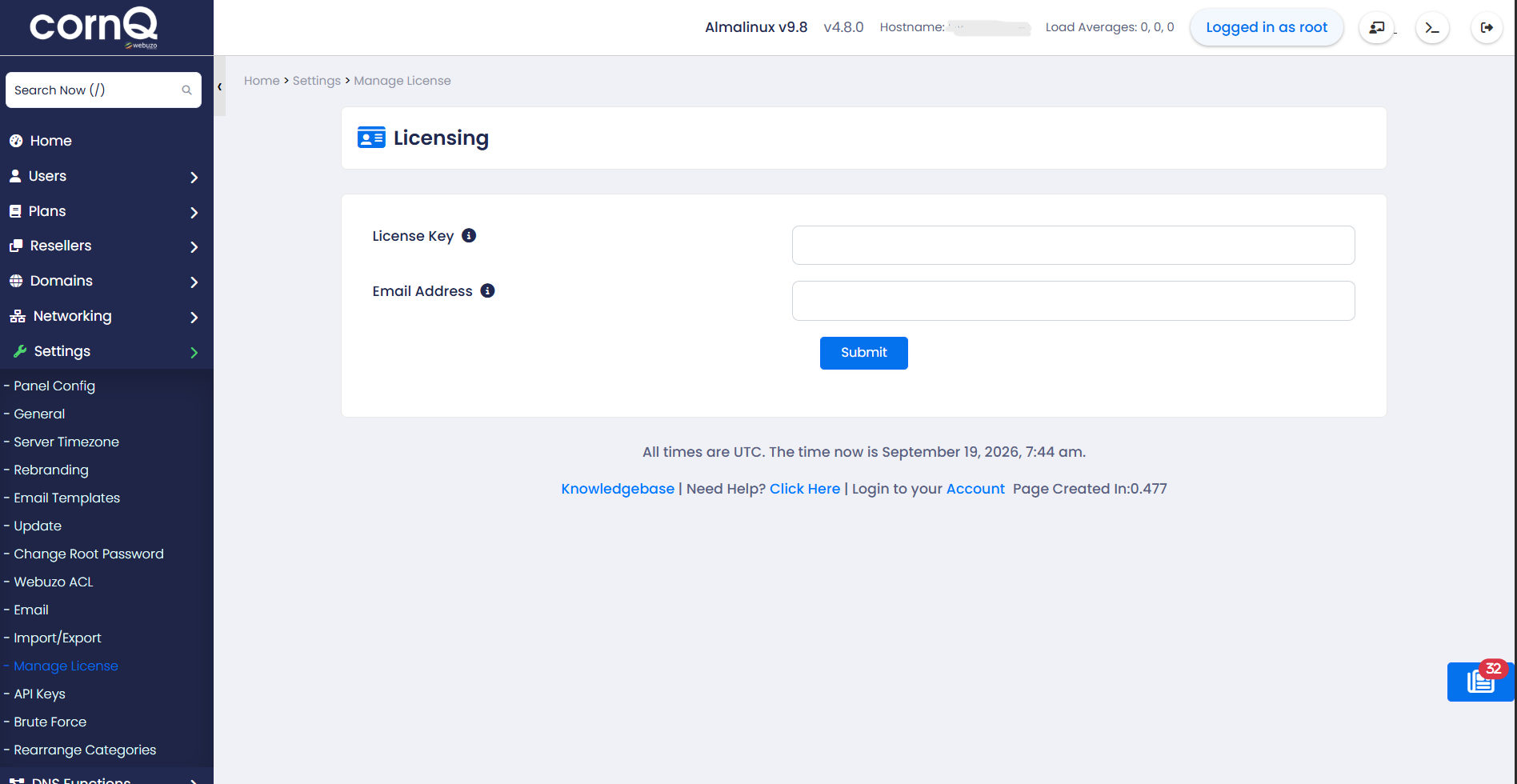
After logging in to the Webuzo Admin Panel, you may see a page asking you to enter your license key and email address. Even after submitting the correct information, the license may not activate.
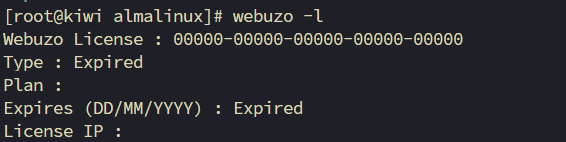
You can check the current license status using:
webuzo -l
You may find that Webuzo reports the license as expired.
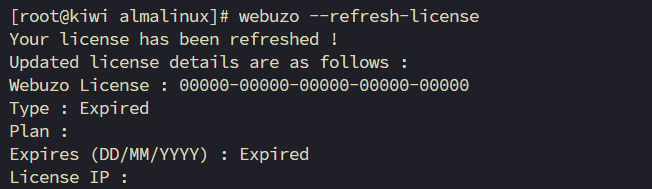
You may then try refreshing the license using:
webuzo --refresh-license
However, in some cases, this does not resolve the issue.
Solution
Step 1: Update the Webuzo Keys
Run the following command:
webuzo --update-keys
This will fetch and update the required keys from the Softaculous servers.
Step 2: Refresh the Webuzo License
After updating the keys, refresh the license again:
webuzo --refresh-license
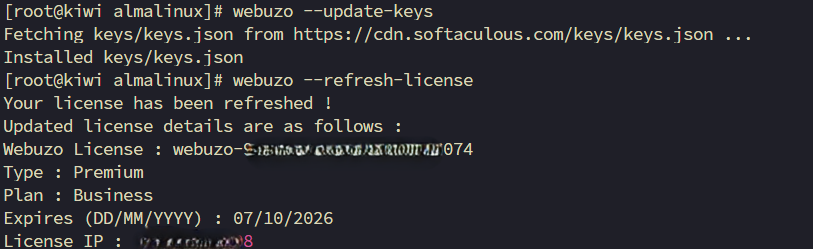
Now refresh the Webuzo Admin Panel in your web browser. The license should be active again.
Special Thanks
Special thanks to Mohammad Al Amin from Limda Host for helping us resolve this issue.